Inside a Master Control Room: How a TV Channel Stays on Air 24/7
What actually happens between a playlist and your television screen, and the habits that keep a 24-hour channel from going dark.

Most people only notice a television channel when something goes wrong: a frozen frame, a second of black, audio that suddenly jumps in volume. That is the point. A Master Control Room (MCR) exists so that nobody watching ever has to think about it.
I work in transmission at Channel i, Bangladesh’s first digital satellite television network. My job sits at the last stop before the signal leaves the building. Over the past two years I’ve supported more than 400 live broadcasts, and the most important thing I’ve learned is that staying on air is less about heroics and more about boring, repeatable habits.
This post walks through what an MCR does, how a signal travels from a playlist to a satellite, and the routines that keep a 24/7 channel stable. I’ll describe a typical setup rather than any one station’s exact configuration.
What a Master Control Room is for
A newsroom or production gallery makes programmes. The MCR sends them. It is the place where every source a channel might put on air comes together and gets turned into one continuous, legal, correctly timed output.
On a normal day the MCR is responsible for:
- Playout: running the schedule of programmes, adverts, promos and station idents exactly on time.
- Live switching: taking live feeds from studios, outside broadcasts and remote reporters at the right moment.
- Branding and graphics: the channel logo, tickers, “live” bugs and lower thirds that sit on top of the picture.
- Quality control: watching picture and sound for faults before viewers see them.
- Compliance: making sure audio loudness, captions and logging meet the rules the channel has to follow.
- Transmission: handing the finished signal to the encoders and uplink chain that put it on the satellite.
If production is the kitchen, the MCR is the pass where every plate is checked before it leaves.
Following the signal, step by step
It helps to think of the chain as a series of handovers. Every handover is a place where something can fail, so every handover has a way to be watched and, ideally, a backup.
1. Ingest and the playlist
Programmes arrive as files from editors, producers and agencies. They are ingested into a media server, checked for format and length, and placed into a playlist that the traffic and scheduling team has built for the day. A good playlist is not just a list of clips. It holds the exact durations, the secondary events (graphics, logo changes, ad triggers) and the points where live content will interrupt the recorded schedule.
2. Playout automation
Automation software reads the playlist and drives the playout servers and switchers frame by frame. Humans can’t reliably hit a transition at 20:59:59:24 every day; automation can. The operator’s job becomes supervising the automation: preparing live events, adjusting timings when a live programme overruns, and taking over manually when something unexpected happens.
3. The master switcher and branding
The output of playout runs through a master control switcher, where live sources can be cut in and graphics are layered on top. Brands such as Grass Valley, Ross Video, Imagine Communications and Harris are common in this part of the chain. This is also where the channel’s on-screen identity lives, which is one reason I care so much about broadcast graphics as a designer. A logo bug that looks good in a brand guideline can still fail on air if it flickers on interlaced pictures or disappears against a bright background.
4. Live contribution
Live content can come from a studio in the same building or from a reporter on the other side of the country. Remote feeds often arrive over bonded cellular systems from vendors such as LiveU and TVU Networks, which combine several mobile connections into one stream, or over dedicated fibre and satellite links. Each contribution path has its own delay, its own failure modes and its own monitoring.
5. Encoding, multiplexing and uplink
The finished baseband signal is compressed by encoders, packed into a transport stream alongside audio and data, and handed to the modulation and uplink chain. From there it goes up to a satellite and back down to cable operators and home receivers across the footprint. Encoders and multiplexers from companies like Harmonic and Ericsson are typical here.
6. Monitoring the return
The MCR doesn’t stop watching once the signal leaves. A good room also monitors what comes back: the signal received off-air through a receiver, so the team sees what viewers see, including any problems introduced after the building.
The quiet standards behind a “normal” broadcast
A surprising amount of MCR work is invisible compliance.
Loudness. Viewers hate adverts that are louder than the programme around them. Broadcasters measure loudness over time rather than just peak levels, using standards such as EBU R128 (a target of −23 LUFS in Europe) or ATSC A/85 (−24 LKFS in the United States). Whatever target a channel uses, the habit is the same: measure, correct at ingest, and watch the meters on air.
Ad insertion triggers. When a programme hits an ad break, cable operators and distribution partners may want to insert their own local adverts. Automation signals those breaks with cue messages. Inside the building they often travel as SCTE-104 messages in the video signal, and encoders turn them into SCTE-35 markers in the transport stream. If those markers are wrong, partners insert adverts in the middle of a news report.
Logging and recording. Most channels must keep a recording of what actually went to air. When there’s a complaint or a dispute, the log is the evidence.
Redundancy: assume everything will fail
The single most useful mindset in an MCR is that every component will fail eventually. The goal is to make each failure small, quick to notice and quick to recover from.
That usually means:
- Main and backup playout chains, running in parallel, with a changeover switch that can move to the backup in a frame.
- Dual power to critical equipment, backed by UPS units and generators.
- Redundant network and signal paths, so a single cable or switch port can’t take the channel off air.
- Backup content ready to play, such as a filler programme or a slate, for when a live feed drops without warning.
Redundancy only works if it is tested. A backup chain nobody has switched to in six months is a hope, not a plan.
The habits that matter more than the equipment
Equipment gets the attention, but in my experience the difference between a stable channel and a fragile one is the routine around it.
Preventive maintenance. Fans clog, drives wear out, cables get bumped. Scheduled checks of fans, storage, redundant power supplies and connections catch problems while they are still cheap. In our team, a steady preventive maintenance routine cut system downtime by around 30% and helped us reach 99.99% uptime.
Written SOPs. At 3 a.m., during a fault, nobody should be improvising. I’ve written technical standard operating procedures and troubleshooting guides for common faults: what to check first, which way to switch, who to call. Clear SOPs cut our problem-resolution time by about 35%, mostly because people stopped losing minutes deciding what to do.
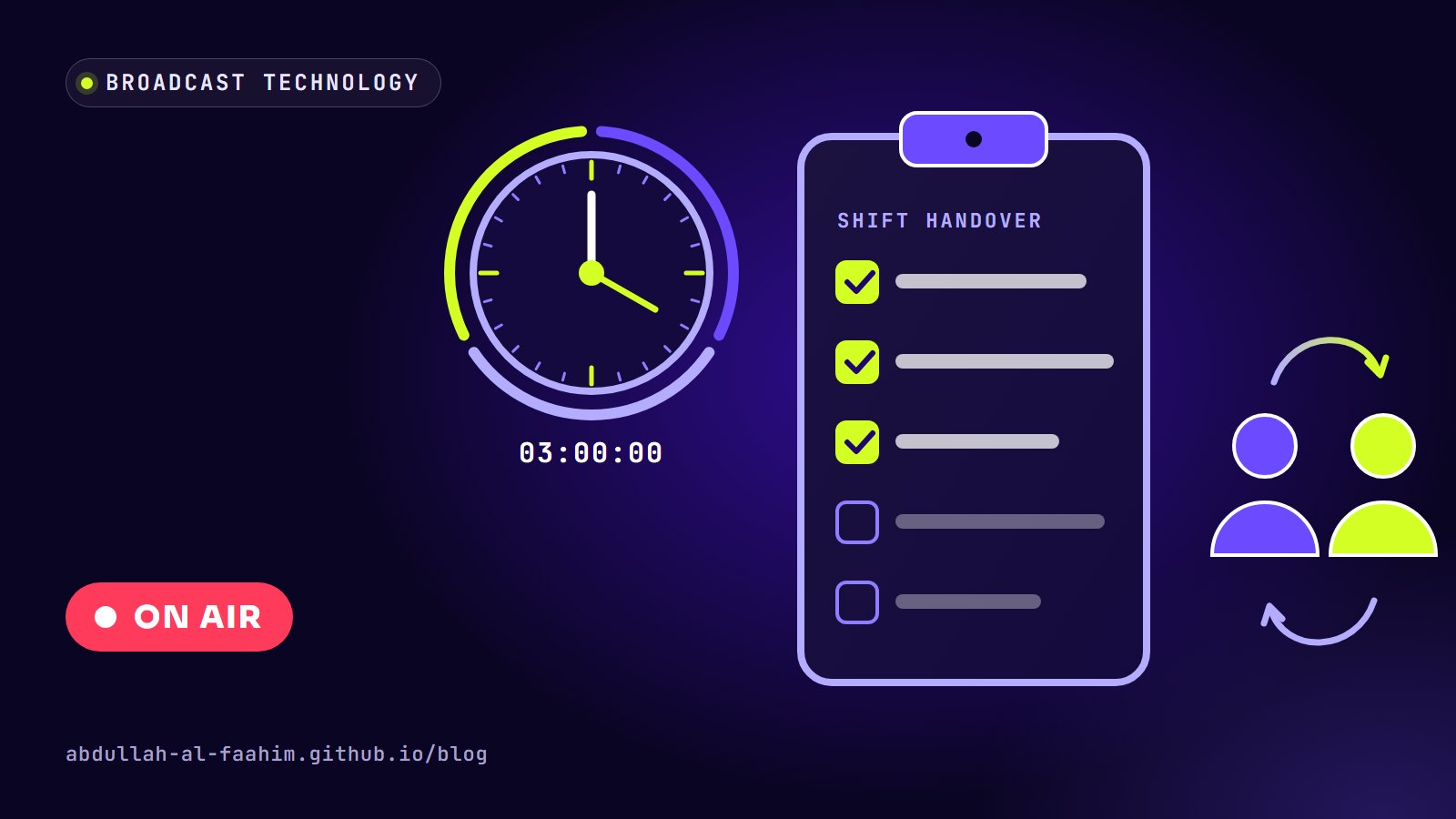
Clean handovers. A 24-hour room changes hands several times a day. A short written handover (what’s scheduled, what’s flaky, what changed) prevents the classic mistake of one shift not knowing what the previous shift worked around.
Rehearsing live events. Before a big live broadcast we check every source, every return path and every graphic. Most live failures I’ve seen were visible in a rehearsal that someone decided to skip.
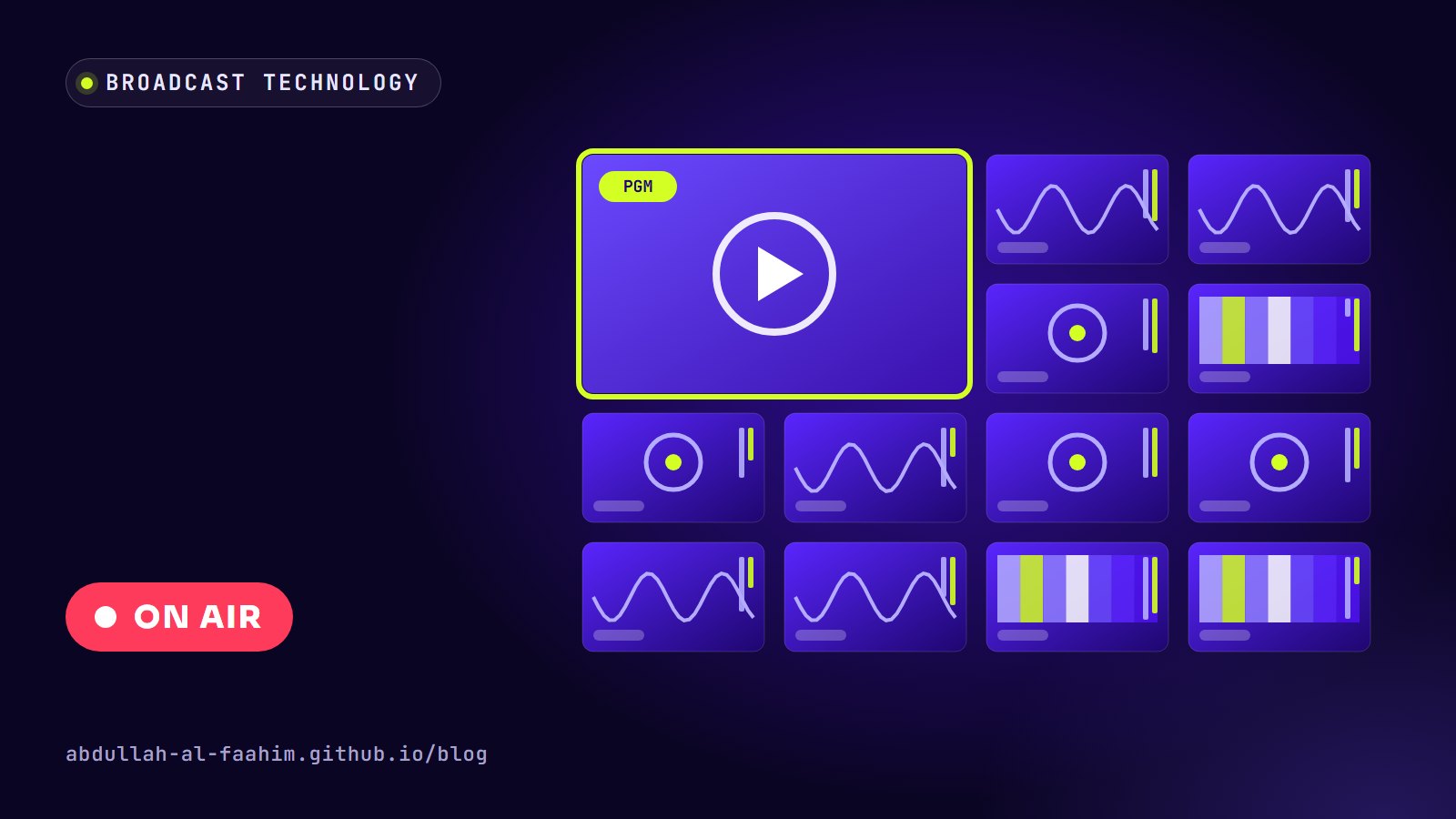
Watching what viewers see. Multiviewer walls, off-air receivers and audio meters are only useful if someone is actually looking at them. Good rooms make the important signals large and alarm loudly when something is wrong.
Where MCRs are heading
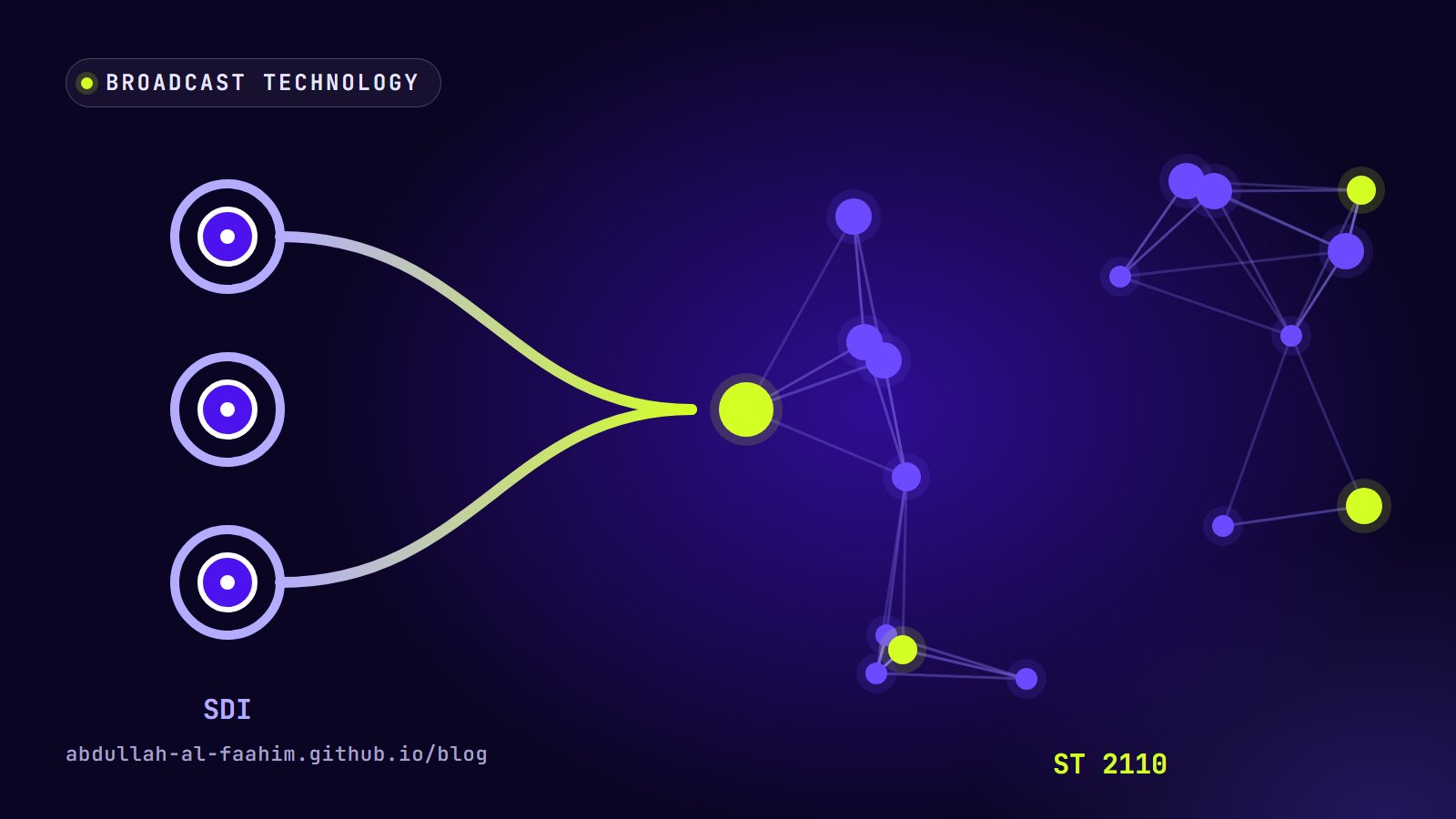
The traditional MCR is built around SDI cables and dedicated hardware. That is changing. More channels are moving video around the building as IP traffic, using standards such as SMPTE ST 2110, and some playout is moving into software running on standard servers or the cloud. Remote production lets a single control room run events in several locations.
The technology is changing quickly, but the job stays the same: get the right pictures and sound to air, on time, every time, and notice problems before the audience does. I wrote more about the SDI-to-IP shift in From SDI to IP.
What this taught me as a designer
Working in an MCR has changed how I design. Broadcast teaches you that design is only finished when it survives real conditions: a logo on a noisy picture, a lower third read from across a room, a ticker running for twelve hours straight. It also taught me to value clear checklists and calm, repeatable systems, which turns out to be exactly what a good design system is.
If you’re curious about broadcast engineering, the best advice I can give is to spend time in front of a multiviewer and simply watch. Every fault you see once is a fault you’ll catch faster the next time.
Broadcast engineer at Channel i, brand and social media designer, and maker of offline-first apps for Bangladesh.
See my work