Running an MCR Like a High-Reliability Operation: Shift Handovers, SOPs and Checklists That Prevent On-Air Errors
Hospitals, airlines and power plants learned how to avoid disasters with handovers, checklists and a healthy fear of failure. A Master Control Room can borrow every one of those habits.

Most on-air errors don’t start with broken equipment. They start with a small gap between people: a shift that didn’t hear about a flaky feed, a step skipped because “we always do it this way”, a live event that changed at the last minute and nobody wrote it down.
In my work at Channel i, I’ve learned that the equipment in a Master Control Room (MCR) is usually the easy part. The hard part is making a 24/7 room behave the same way at 3 p.m. on a calm Tuesday and at 3 a.m. during a breaking-news overrun, with different people on every shift.
Other industries solved this problem long ago. Hospitals, airlines, air traffic control and power plants operate in conditions where small mistakes become serious very quickly, yet they make remarkably few of them. Researchers call them high-reliability organisations. This post is about borrowing their habits for broadcast: shift handovers, standard operating procedures (SOPs) and checklists.
What “high reliability” actually means
The idea comes from organisational research, most famously Karl Weick and Kathleen Sutcliffe’s work on how these organisations stay safe. They describe five habits of mind. Each one maps neatly onto an MCR:
- Preoccupation with failure. Treat every small glitch as a warning, not as luck. A single dropped frame on a backup feed is information.
- Reluctance to simplify. “It’s probably the encoder again” is how real causes get missed. Look at what actually happened.
- Sensitivity to operations. Know what’s happening on the floor right now, not just what the schedule says should be happening.
- Commitment to resilience. Expect things to go wrong and practise recovering from them quickly.
- Deference to expertise. In a fault, the person who knows the system best leads, whatever their job title.
None of this needs new equipment. It needs routines that make these habits automatic, which is exactly what handovers, SOPs and checklists are for.
Shift handovers: where most knowledge gets lost
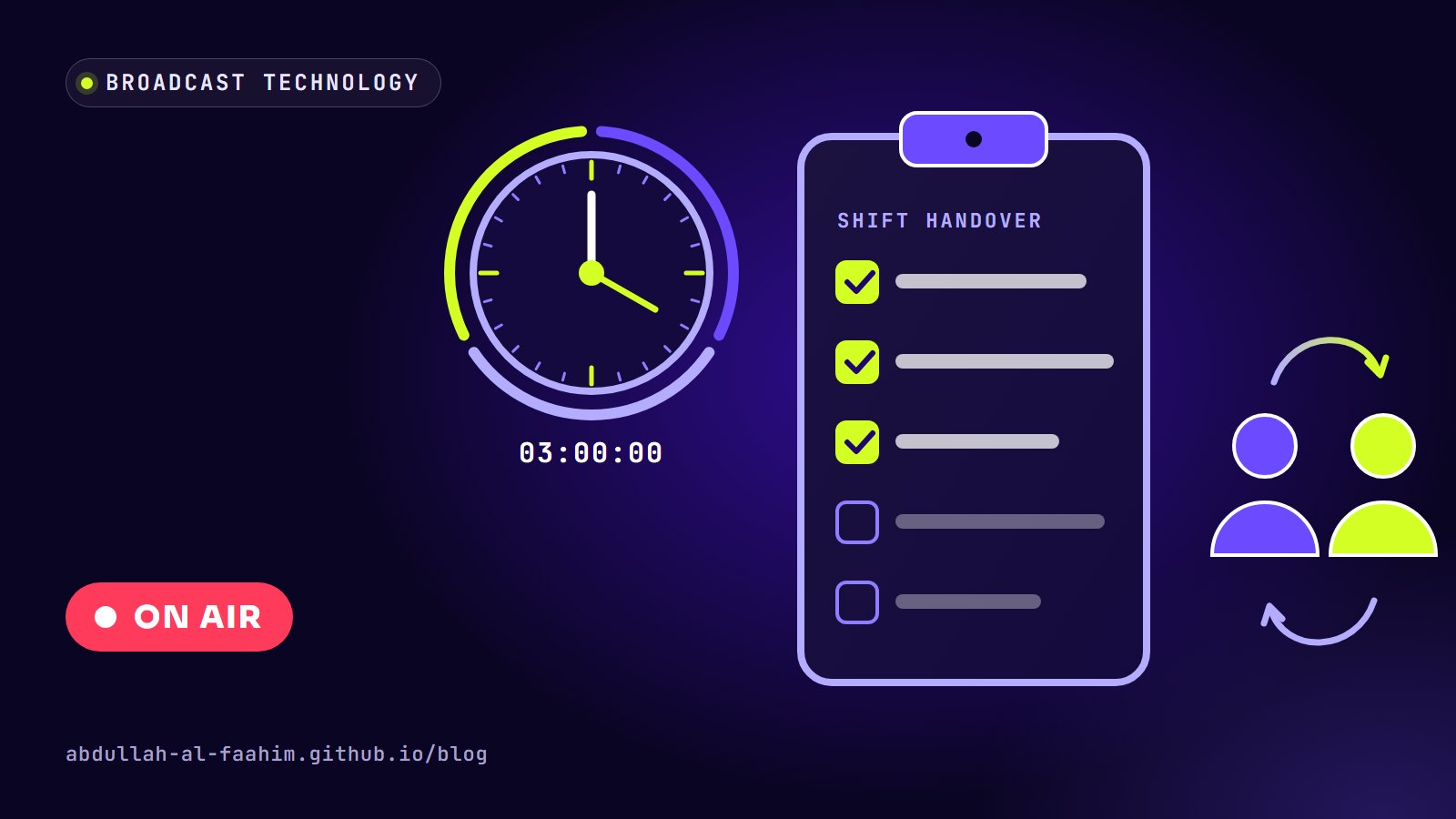
A 24-hour room changes hands several times a day. Every handover is a moment where information can disappear. The outgoing operator knows that the remote feed from the stadium kept breaking up, that the 8 p.m. programme was replaced, that the backup playout server rebooted itself once. If that knowledge doesn’t cross the handover, the next shift rediscovers it the hard way, usually on air.
Make handovers written and structured
Spoken handovers are better than nothing, but they depend on memory and mood at the end of a long shift. Healthcare uses structured formats such as SBAR (Situation, Background, Assessment, Recommendation) for exactly this reason. For an MCR, I use a simple written structure:
- On air now: what’s playing, what’s coming in the next hour, any live events scheduled.
- Changes: schedule changes, replaced programmes, new ad breaks, late material.
- Known issues: anything flaky, even if it recovered (feeds, encoders, graphics, power, network).
- Workarounds in place: anything temporary, like a source routed manually or a backup chain left on air.
- Pending actions: calls to return, tickets raised, engineers on their way.
- Watch for: the one or two things the next shift should keep an eye on.
It takes five minutes to write and saves far more. It also creates a record: when someone asks next week why the backup chain was on air on Thursday night, the answer is there.
Overlap, don’t just swap
A good handover has a few minutes of overlap where both operators are in the room and both are watching the output. The incoming operator reads the written handover, asks questions, and only then takes over. The rule I like is simple: you haven’t handed over until the other person says “I have it.”
Never hand over in the middle of a critical event
If a live event or a known risky transition is minutes away, the outgoing shift stays until it’s done. Handing over a live programme halfway through is how cues get missed.
SOPs: decide once, not at 3 a.m.
Faults rarely give you time to think. When the main feed drops during a live programme, the operator needs to act in seconds. That’s not the moment to work out from first principles which way to switch.
A standard operating procedure decides in advance, when everyone is calm, what the right response is. In my team, writing technical SOPs and troubleshooting guides for our common faults cut problem-resolution time by about 35%. Most of the time saved wasn’t technical. It was the minutes people used to lose deciding what to do and who to call.
What a good MCR SOP looks like
The SOPs that actually get used share a few features:
- One page, one situation. “Main playout failure”, “loss of live contribution feed”, “audio missing on air”. Not one giant manual.
- The first action at the top. Usually “protect the air”: switch to backup, cut to a slate or put up filler. Diagnosis comes after viewers are safe.
- Short, numbered steps with the exact names of buttons, sources and devices as they appear in the room.
- Decision points made explicit. “If the backup is also failing, go to step 6.”
- Who to call, with numbers, and when to escalate.
- How to return to normal, because switching back is when the second error often happens.
- A last-reviewed date and an owner, so stale SOPs get noticed.
Keep them where people are
An SOP on a shared drive nobody can find during a fault is useless. The ones that matter most should be printed and within reach of the operator’s chair, and also available digitally. The test is simple: could a new operator find and follow it in under a minute, with an alarm going off?
Update them after every incident
Every real fault is a free test of an SOP. If people had to improvise, the SOP was missing something. Updating it right after the event, while memories are fresh, is how the procedures stay alive.
Checklists: the cheapest reliability tool there is
Atul Gawande’s The Checklist Manifesto popularised a point that aviation learned decades earlier: skilled people still forget simple steps, especially under pressure or routine. Checklists catch those slips.
There are two styles, and both have a place in an MCR:
- Read-do checklists: you read each step and do it, in order. Good for rare or complicated procedures, like a planned switch to a backup uplink path.
- Do-confirm checklists: you do the work from memory, then stop and confirm nothing was missed. Good for routine tasks experienced operators do daily.
Checklists I’ve found worth having
Start of shift (do-confirm):
- Read the handover and ask questions.
- Confirm off-air monitoring is working and matches the output.
- Check main and backup chains are both healthy.
- Check audio loudness meters and alarms are live.
- Review the next few hours of the playlist, especially live events and transitions.
Before a live event (read-do):
- Every source tested end to end, including the return feed to the venue.
- Backup source or filler programme ready and cued.
- Graphics, lower thirds and tickers checked on the actual output.
- Communication with the production gallery and the remote team confirmed.
- Timing agreed: start time, breaks and hard out.
- Who does what if the main feed fails, said out loud.
Planned changeovers and maintenance (read-do):
- Is anything live or critical coming up? If yes, wait.
- Backup confirmed healthy before touching the main.
- One change at a time, with the result checked on air after each one.
- A second person watching the output during risky steps.
- Everything returned to normal and written in the handover.
Keep checklists short
A checklist that takes twenty minutes gets skipped. The best ones fit on one card and only include the steps that are both important and easy to forget. Everything else belongs in training, not on the list.
Two people for risky actions
Aviation uses “challenge and response”: one person reads, the other confirms. In an MCR, the equivalent is simple: for actions that can take the channel off air (switching transmission paths, restarting a playout server, changing routing during a live event), a second person watches the output and confirms each step. It feels slow. It’s much faster than recovering from a mistake that went to air.
Watch the right things, and only the right things
Sensitivity to operations depends on monitoring, but more monitoring isn’t automatically better. A multiviewer wall full of tiny pictures and an alarm panel that beeps constantly teach operators to ignore both. That’s alarm fatigue, and it’s a known problem in hospitals too.
What helps:
- Make the on-air output and off-air return the biggest pictures in the room.
- Show audio meters and loudness clearly next to the output.
- Tune alarms so they mean something: silence, black, freeze and loss of signal on air should be loud and unmistakable; minor warnings shouldn’t sound the same.
- Review alarm noise regularly and remove the ones nobody acts on.
Learn from near misses, without blame
The most valuable events in a reliable operation are the ones where nothing reached air: the feed that dropped during a promo instead of during the news, the wrong clip caught in preview. These near misses are free lessons.
I find two practices make the biggest difference:
- A near-miss log in the handover notes: what almost happened and what caught it.
- Blameless reviews after real incidents: what happened, why it made sense to the people involved at the time, and what we’ll change. The goal is a better system, not a guilty person. If people expect blame, they stop reporting near misses, and the organisation goes blind.
Practise failure on purpose
Redundancy only works if it’s tested. A backup chain nobody has switched to in six months is a hope, not a plan. Regular, planned failover drills (during quiet hours, with everyone aware) keep both the equipment and the people ready. New operators should run their first failover in a drill, not during a live news bulletin.
This connects directly to the preventive maintenance routine I described in Inside a Master Control Room. In our team, steady maintenance cut system downtime by around 30% and helped us reach 99.99% uptime across more than 400 live broadcasts. The hardware matters, but the routine around it matters more.
Look after the people
Every procedure above assumes an alert operator. Night shifts, long live events and back-to-back overruns wear that down. Reliable operations plan for fatigue: sensible shift lengths, proper breaks during long events, and the expectation that anyone can ask for a second pair of eyes without it being a weakness.
A simple starting point
If your MCR doesn’t have these routines yet, you don’t need to build everything at once. Start with three things:
- A written handover template, used at every shift change.
- One-page SOPs for your three most common faults, printed and within reach.
- A pre-live checklist for every live event.
Then review them after every incident and near miss. Within a few months, the room starts to feel calmer, faults get shorter, and the channel stays on air through problems that used to make it go dark.
The audience never sees any of this. That’s the point.
Broadcast engineer at Channel i, brand and social media designer, and maker of offline-first apps for Bangladesh.
See my work